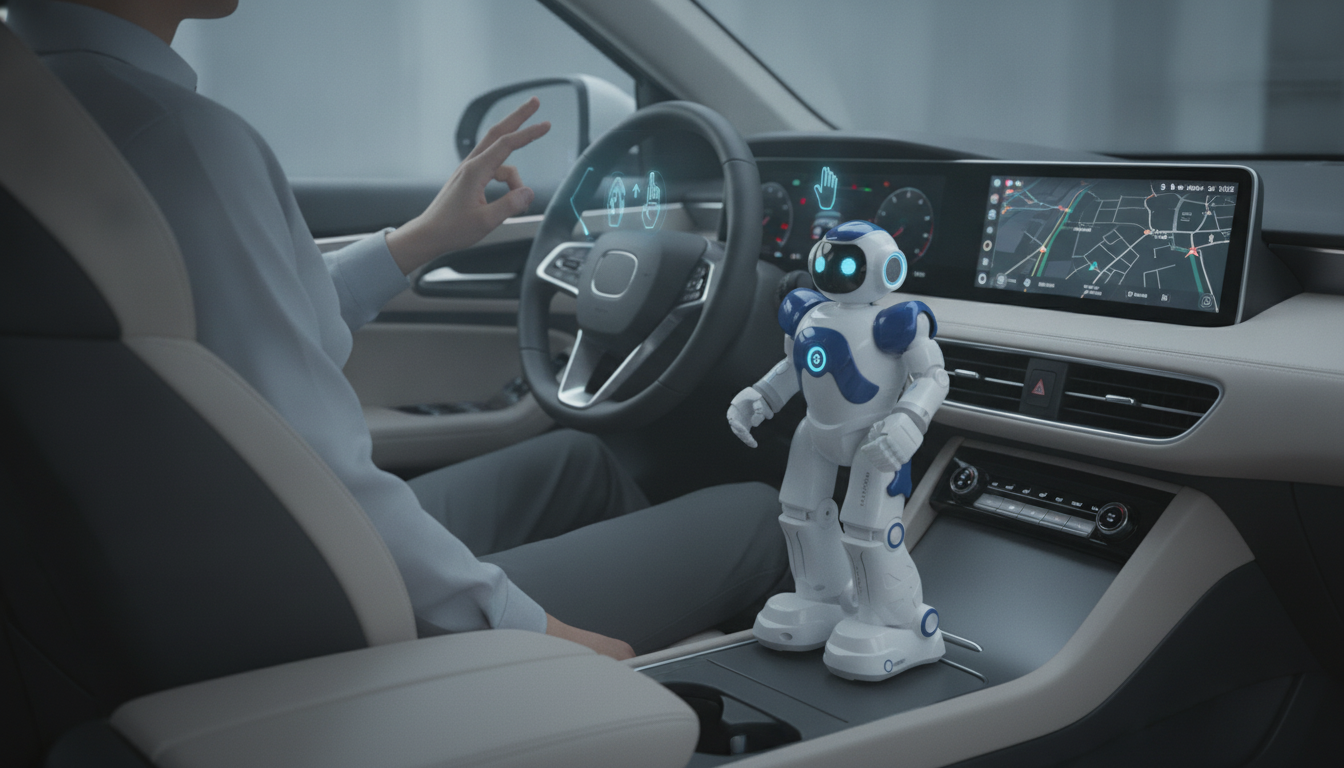
A gesture-controlled robot is a robot that can understand and respond to human movements—such as a hand wave, arm motion, or specific pose—instead of relying only on buttons, joysticks, or typed commands. The robot uses sensors (like cameras, infrared, accelerometers, or gyroscopes) to detect gestures, software to interpret them, and motors or actuators to carry out an action, such as moving forward, turning, or picking up an object.
Most gesture-controlled robots follow a simple pipeline: sensing, interpretation, and action. First, the robot (or an external controller) captures motion data. Next, an algorithm maps that data to a recognized gesture pattern. Finally, the robot executes a predefined behavior tied to that gesture—like stopping when a palm is held up or rotating when a wrist twists.
Some systems use a wearable controller, such as a glove or wristband, that tracks hand orientation and movement. Others rely on vision-based recognition using a camera to identify body landmarks or hand shapes. Wearables often work well in varied lighting, while camera-based control can feel more natural because it doesn’t require holding anything.
Gesture control is popular in education and hobby robotics because it makes interaction feel immediate and fun. In professional settings, it can be useful for tasks where hands-free control matters—such as directing a robot while wearing gloves, managing a robot in a lab environment, or controlling a platform from a short distance without touching a device.
Look at recognition reliability (lighting and background can affect cameras), range and latency (how quickly the robot responds), and how customizable the gestures are. Battery life matters too, especially if both the robot and a wearable controller need charging.
For more details and examples, visit https://lustrous.store/what-is-a-gesture-controlled-robot/.
They commonly use cameras for vision tracking or motion sensors like accelerometers and gyroscopes in wearable controllers. Some also use infrared or depth sensors to improve tracking in challenging environments.





Leave a comment