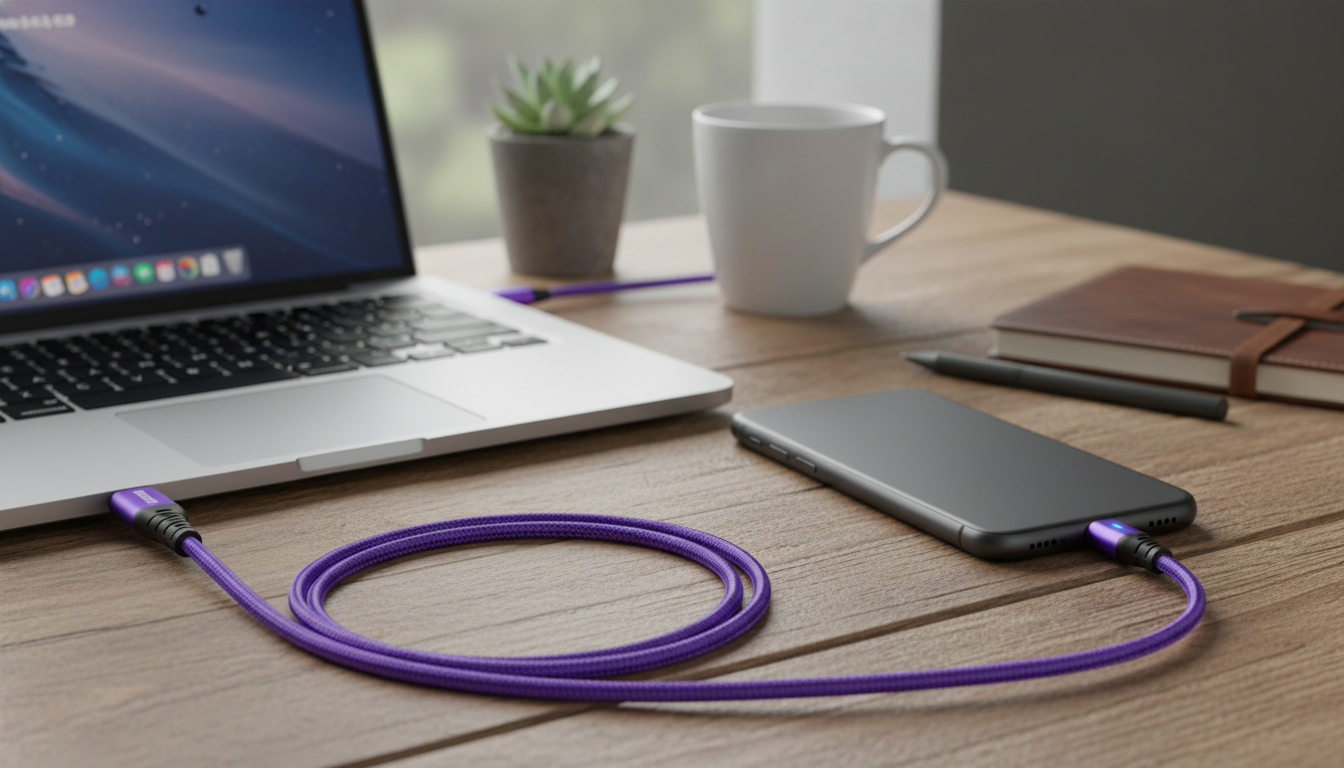
A USB‑C to USB‑C cable can be the difference between reliable fast charging and constant unplugging, awkward bends, or slow power delivery. A 60W, 3A‑rated cable is built for modern USB‑C charging needs across phones, tablets, power banks, and many USB‑C laptops—while a 180° rotating connector focuses on the part most people feel every day: how the cable sits in your hand, on your desk, or against a device edge. Below is a clear breakdown of what this kind of cable is designed to handle, how power ratings actually work, and how to avoid the most common compatibility surprises.
A 60W USB‑C to USB‑C cable with 3A support is meant for dependable charging and everyday flexibility across a wide mix of USB‑C devices. Instead of treating it like “just a cord,” it helps to think of it as a rated power path with a physical design that can reduce stress at the connector.
For reference, USB‑C and USB Power Delivery (USB PD) are defined by USB‑IF specifications, which explain how devices negotiate safe power levels over USB‑C connections. For deeper technical detail, see the USB Type‑C specifications and the USB Power Delivery specification library.
Charging labels can look more complicated than they are. The key is understanding what a cable rating can enable—and what still depends on the charger and the device.
| Device type | Typical use | What to verify | Expected result |
|---|---|---|---|
| USB‑C phones | Fast charging from wall charger/power bank | Phone supports USB‑C charging; charger output matches phone’s fast-charge needs | Often fast charging, limited by phone/charger |
| Tablets | Faster top-ups, fewer low-battery interruptions | Tablet supports USB‑C PD or standard USB‑C charging | Generally strong performance up to the tablet’s limit |
| Ultrabooks and small laptops | Daily charging at desk or travel | Laptop accepts USB‑C PD; wattage requirement ≤ 60W | Normal charging for many models |
| Higher-power laptops | Workloads while charging | Laptop requirement may be 65W/90W+ | May charge slowly or maintain under load |
| Accessories (controllers, handhelds, earbuds cases) | Reliable charging and data/power connection | USB‑C port present; no special requirements | Stable charging |
Most charging frustrations aren’t about the charger’s wattage—they’re about the cable fighting the way a device is actually used. A rotating connector addresses the everyday reality of charging while holding, typing, or shifting a device around.
Practically, this can mean fewer “half-connected” moments where the plug is seated but the cable is under tension, and fewer situations where the cable gets pinched against a case, stand, or armrest.
If you’re troubleshooting USB‑C charging behavior on Android devices, Google’s guidance on USB‑C charging can help confirm what “normal” looks like for your phone or tablet: Android: Charge devices with USB‑C.
Usually yes, as long as your phone and charger both support fast charging over USB‑C. The actual speed is still limited by the phone’s maximum charging wattage and the charger’s supported protocol.
Many laptops that accept USB‑C Power Delivery at 45W–60W can charge normally with a 60W cable. If your laptop typically uses 65W, 90W, or more, it may charge slowly or only maintain battery level during heavier workloads.
A well-made rotating connector should not change USB‑C/PD power negotiation. Its main benefit is physical: better cable routing and less strain that can lead to intermittent connections over time.






Leave a comment