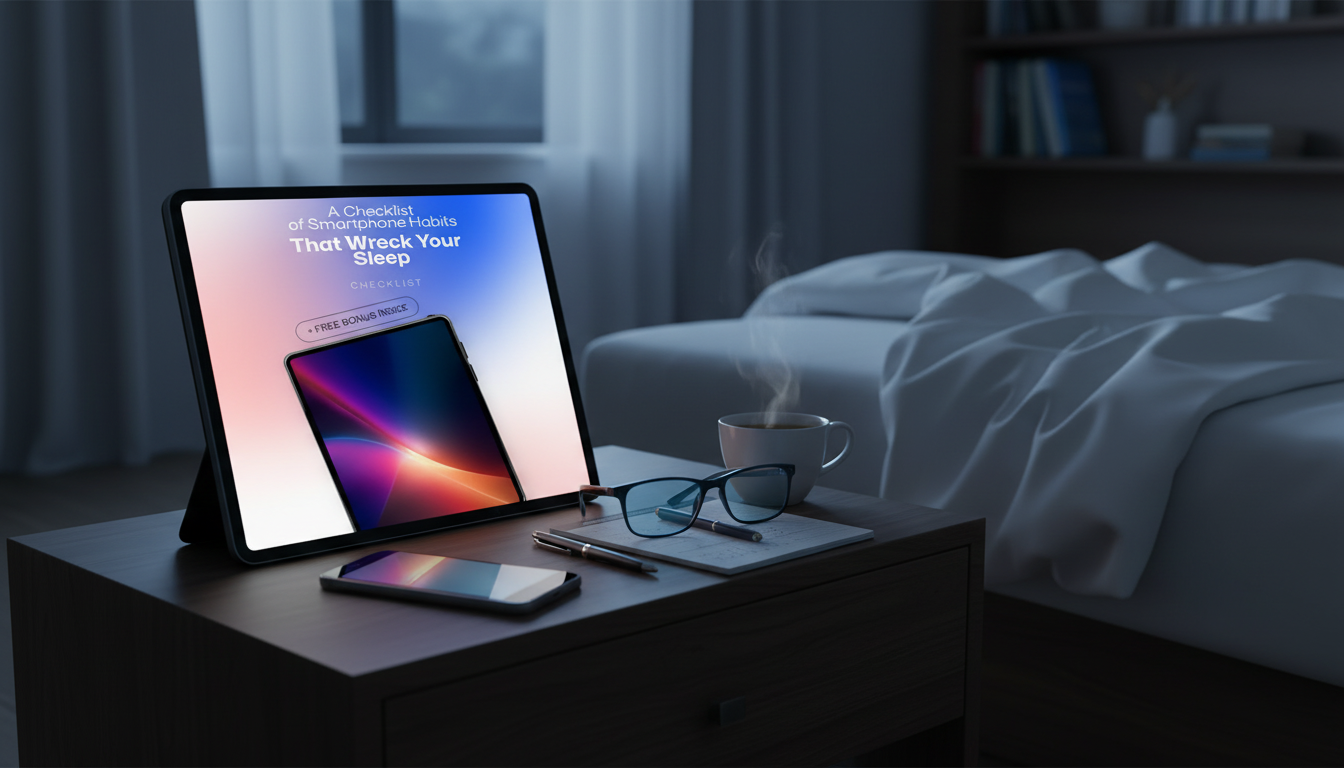
If your phone keeps your brain “on” after lights-out, a few quick setting changes can make a noticeable difference tonight. The goal is to reduce bright light, interruptions, and the temptation to keep scrolling.
Set a Sleep Focus that starts 30–60 minutes before bed and ends when you typically wake. Allow only true essentials (like repeated calls from favorites) and silence everything else, including app notifications and banners.
Enable Night Shift/Night Light and set it to “sunset to sunrise” (or your bedtime hours). Then manually lower brightness and turn on auto-brightness so the screen doesn’t flare in a dark room.
Try a grayscale (Color Filters) setting at night; it makes feeds and videos feel less “rewarding” and easier to put down. If you use an iPhone, set an Accessibility Shortcut so triple-click toggles grayscale. On Android, look for Bedtime mode or Wind Down options.
Disable lock-screen previews so messages aren’t visually grabbing at bedtime. Turn off sound/vibration for non-essential apps, and consider disabling “wake screen for notifications” so your phone stays dark when alerts arrive.
Use Screen Time (iOS) or Digital Wellbeing (Android) to set a nightly downtime or app timer for social, news, and video. Even a modest limit can prevent “one more” from turning into an hour.
Turn off autoplay in social and video apps, and enable “Reduce Motion” where available. Fewer animations and fewer automatic videos can lower late-night stimulation.
For a simple, step-by-step checklist of phone habit swaps that support better sleep, read the full guide here: https://lustrous.store/guide-phone-habits-that-ruin-sleep-checklist-easy-swaps/.
Yes, if you can—distance reduces late-night checking and prevents notifications from pulling you back awake. If that’s not realistic, place it across the room and use a traditional alarm or a loud ringtone for wake-up.






Leave a comment